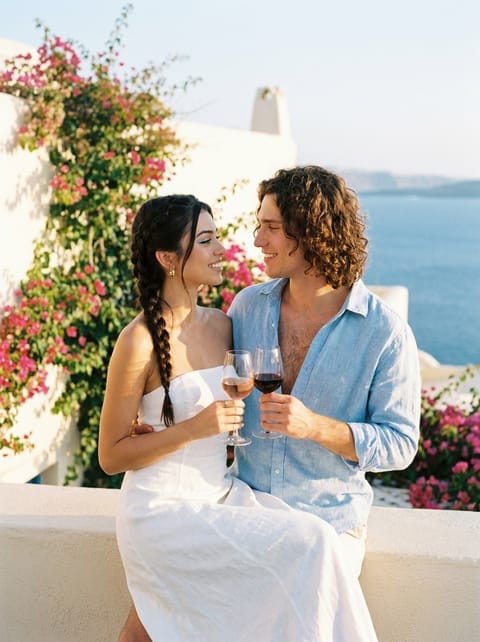
Riviera
A sunlit terrace, white walls and a sea-blue backdrop. A relaxed, holiday-inspired look.
View Riviera on FloniksCompare seaside, meadow and beach-wedding couple photo templates. Each selected Floniks workflow provides two photo inputs, so start with a look you both like.
Opens on Floniks · Sign-in and credits required to generate
Prefer the GoGlow app? View download options →
Template links and input structure reviewed . Preview artwork illustrates the template; your output will vary.
Pick the setting and clothing direction first. The previews show the template artwork, not a promise about the faces or details in your own result.
A sunlit terrace, white walls and a sea-blue backdrop. A relaxed, holiday-inspired look.
View Riviera on Floniks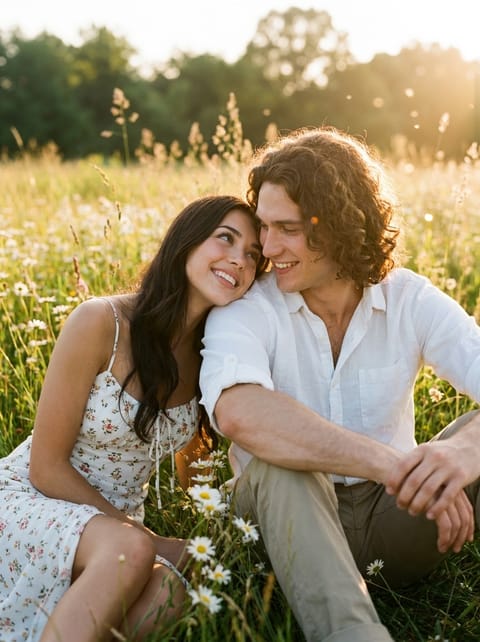
Wildflowers, soft backlight and a warm outdoor palette. An easygoing countryside mood.
View Meadow on Floniks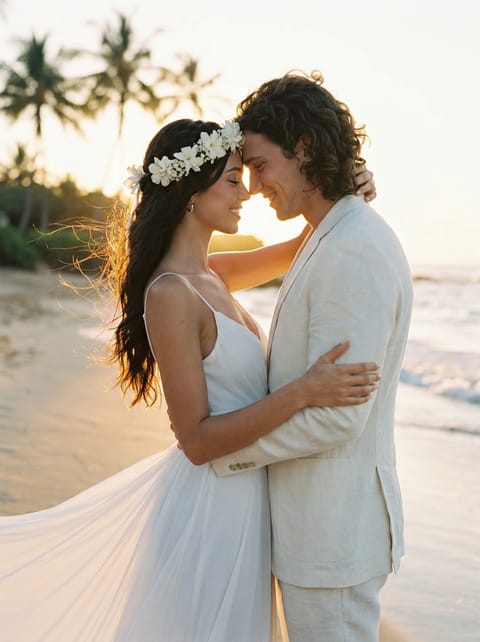
A beach-wedding scene with warm evening light. A dressed-up look for a romantic keepsake.
View Vows on FloniksChoose a recent portrait of each person with visible facial details. Avoid sunglasses, heavy filters and images cropped through the face.
Match each photo to the selected template’s inputs. Check the editor after signing in; do not run if the selected template or a photo is missing.
Review faces, hands, clothing and composition before sharing. Check the cost of retries and the exported file size before planning a print.
Use photos both people have agreed to upload. For field labels and common problems, read the couple photo preparation guide.
The three linked Floniks workflow definitions each provide two photo input fields. Prepare one clear portrait per person and check the template’s current requirements. This page does not guarantee that every input or pairing will produce a suitable result.
No. These are existing Floniks template preview artworks. They are not comparisons against your photos, and they do not demonstrate a measured level of likeness or an identical result for new inputs.
Review the current credit requirement on Floniks before generating. A template preview does not include a free generation offer. GoGlow app purchases and Floniks generation access should be checked separately.
The link opens that template’s public Floniks detail page. If you continue to the editor or sign in, check that the selected template and both inputs are still present before running.